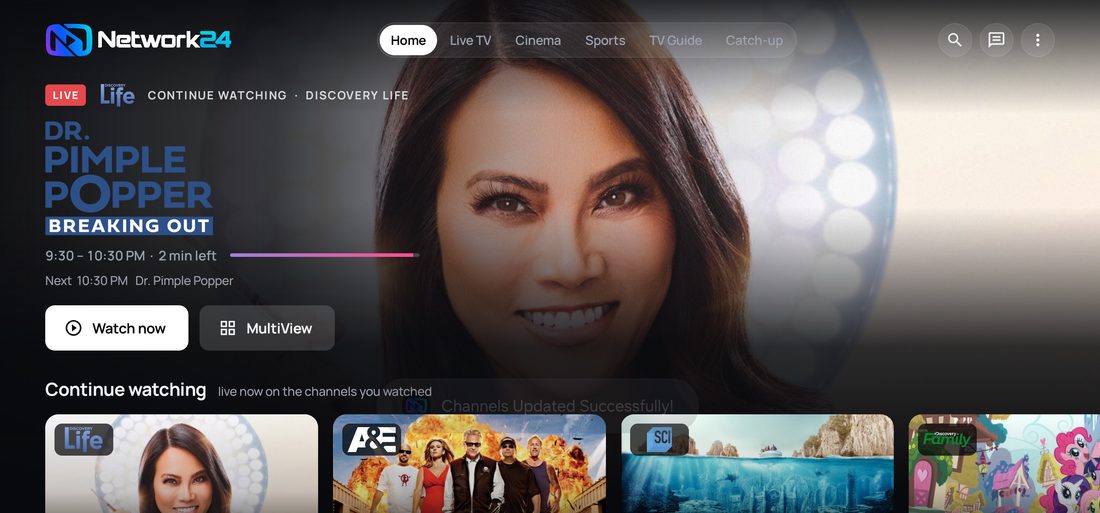
The Network24 app runs on any Android phone or tablet - the same login as your TV, and your screens are shared across devices.
Step 1 · Download the app
On the phone open network24.biz/app and press the Android button.

Step 2 · Install it
Open the downloaded file. Android asks once for Allow from this source - that is the standard permission for apps outside the Play Store. Allow it, then press Install.
Step 3 · Sign in and watch
Enter the username and password from My account → Watch. If you open that page on the same phone you can copy both with one tap.
Good to know
- Screens: your plan decides how many devices can play at the same time. The phone counts as one screen while it is playing.
- No app? The web player works in the phone browser with the same login.
- Buffering? Press Fix on the channel, or Get help to bring support in.