Android TV, Google TV, Nvidia Shield, Chromecast with Google TV and most Android TV boxes all use the same app file. Five minutes, no computer needed.
Step 1 · Open our app page on the TV
Use the TV browser - or the Downloader app if your box has it - and go to:
network24.biz/app
That page has one button for Android and it downloads the current build straight from us.

Step 2 · Allow the install
The first time, Android asks Allow from this source for the browser (or Downloader). Switch it on and press back. This is the normal Android permission for apps that do not come from the Play Store - nothing is rooted or unlocked.
Step 3 · Install and sign in
Choose Install, then Open, and enter the username and password from My account → Watch.
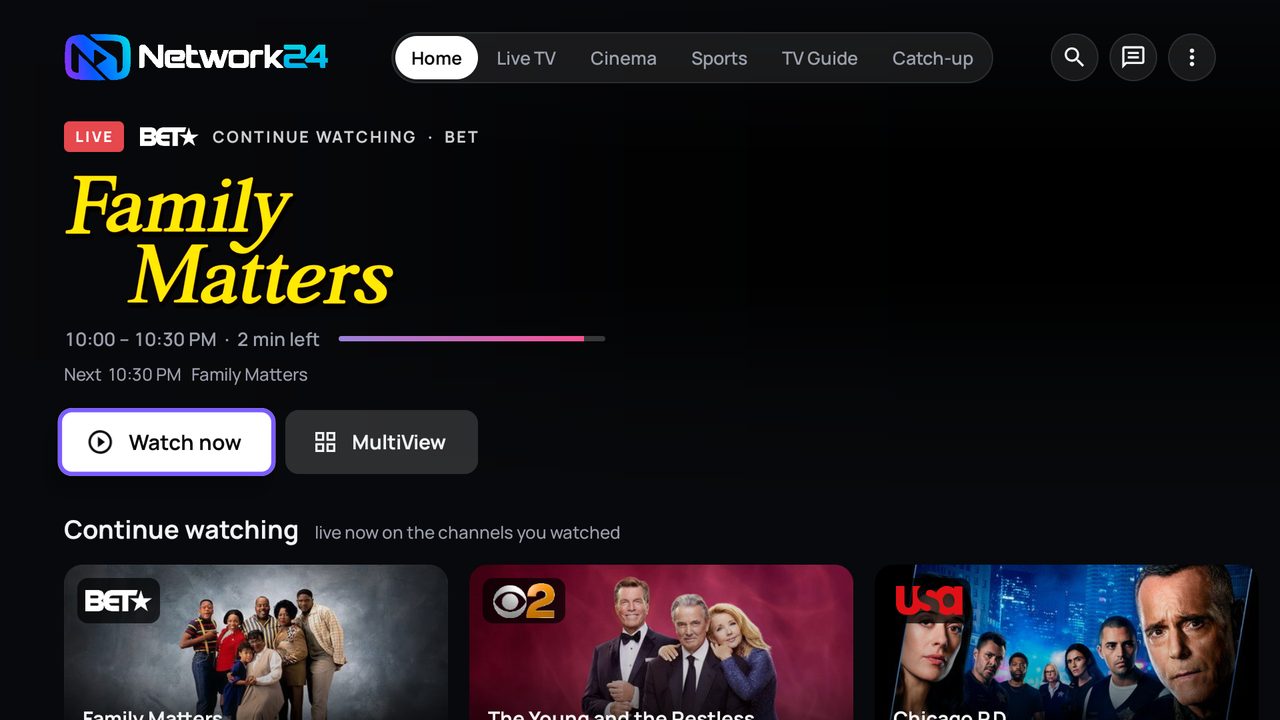
Keeping it updated
The app checks for a new build by itself and offers the update - just press install when it asks. You never repeat these steps.
If something does not play
- Press Fix on the channel - our AI switches to a better source in seconds.
- Press Get help in the app - support sees your TV and fixes it with you.
- Open a ticket or ask in Discord.